Invoice management
Invoices the way you already work, ready for e-invoicing.
Bring invoices in from your system, or create them in PENTAXIS. Either way, every one leaves complete, checked and on record.
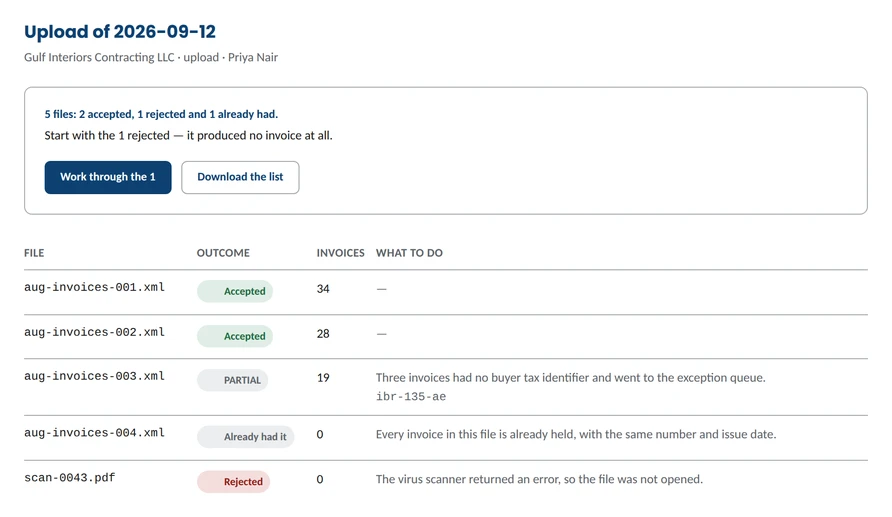
Four ways in
| Method | Best for |
|---|---|
| API | Systems that raise invoices all day and should send them without anyone touching them |
| File upload (Excel, CSV, XML, JSON) | Systems that export; upload one file or many at once |
| PENTAXIS Excel template | Teams without an export: fill the template, upload, done |
| Create in PENTAXIS | Businesses without an ERP, or the odd invoice outside the system |
Creating an invoice
Pick the customer, add products or services, enter quantities and prices. PENTAXIS applies the VAT category and rate, calculates the totals and gives the next number in your series. Save a draft, or issue it. Print in English, Arabic or both.
Credit notes that keep their link
Start a credit note from the original invoice and PENTAXIS carries the reference and the amount not yet credited. Choose the reason from the official list, adjust the lines and send.
Less retyping
Copy any invoice, or set up recurring invoices monthly, quarterly or yearly, and change the schedule when the contract changes.
Corrections without losing history
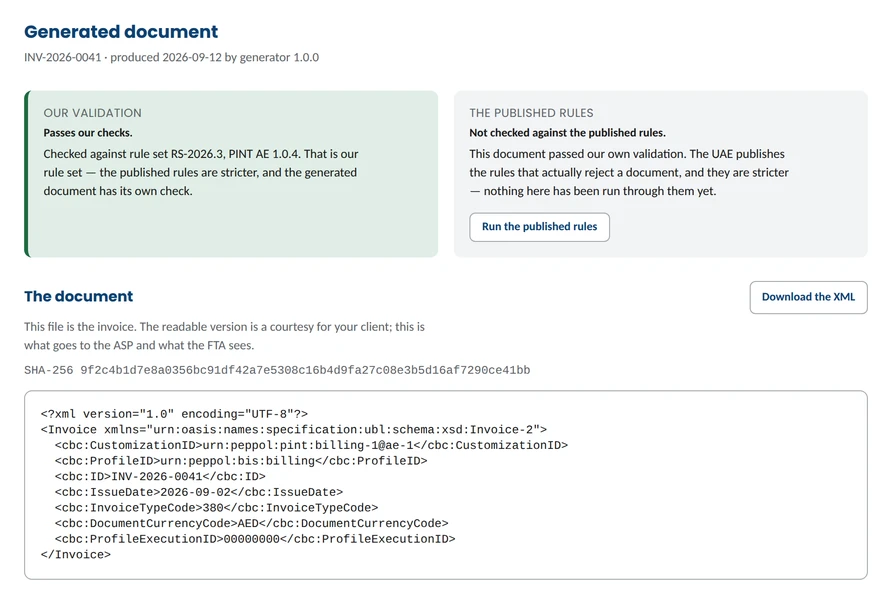
Fix an invoice and PENTAXIS keeps the earlier version, with who changed it and why. The same fix across many invoices? Review the list, enter the value once, confirm.
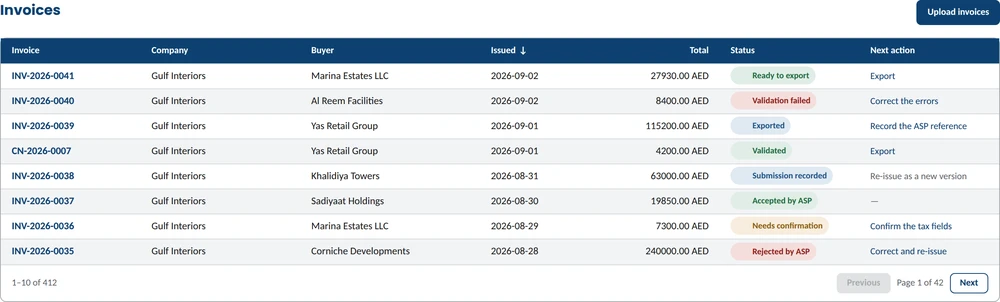
Status at a glance
Ready to upload · With the ASP · Accepted · Rejected · Needs correcting. Filter, search and export any list to Excel or CSV. Mark invoices paid or unpaid.